
Connect a USB drive to Nighthawk WiFi 5 and WiFi 6/6E routers
Describes how to connect a USB drive to my Nighthawk router.
ReadySHARE lets you access and share a USB drive connected to the router USB port. (If your USB drive has special drivers, it is not compatible.)
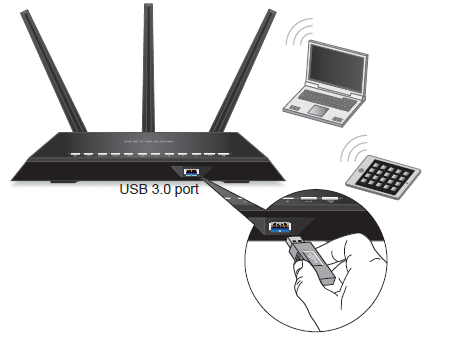
Note:Product Appearance varies by model.
To connect a USB drive:
- Insert your USB storage drive into the blue USB 3.0 port on the front of the router.
- If your USB drive has a power supply, you must use it when you connect the USB drive to the router.